







Descripción
Specifications:
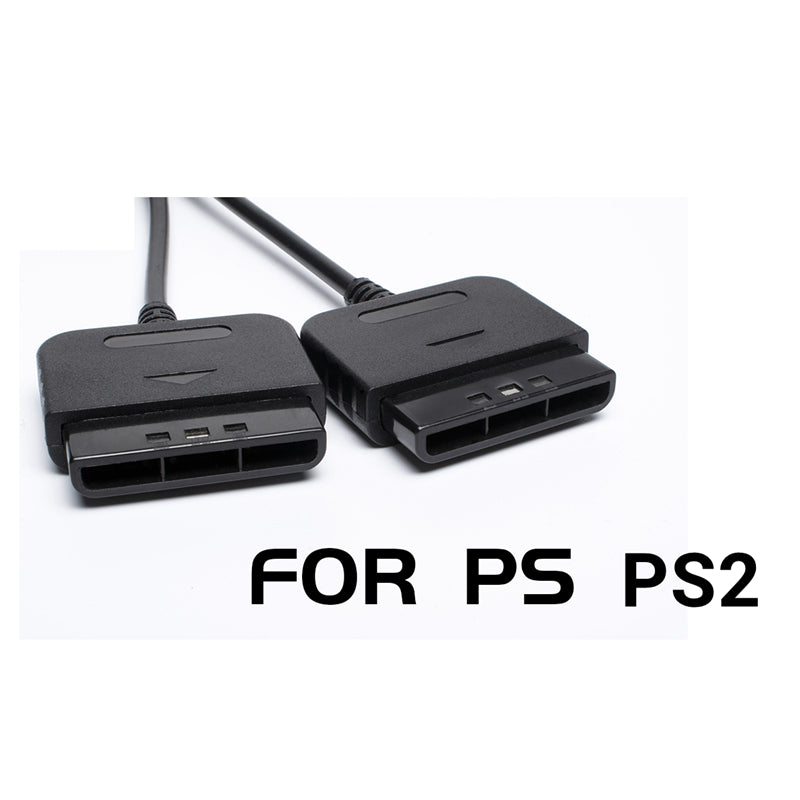
Note: When the bluetooth adapter is used in the ps2 game console, please ensure that one ps2 fuse on the ps2 game console motherboard is normal. If it is damaged,
The bluetooth controller will not be able to supply power, and the vibration function of the wired handle will not be available. Both sides of the fuse on the motherboard can be directly connected
Fix on.
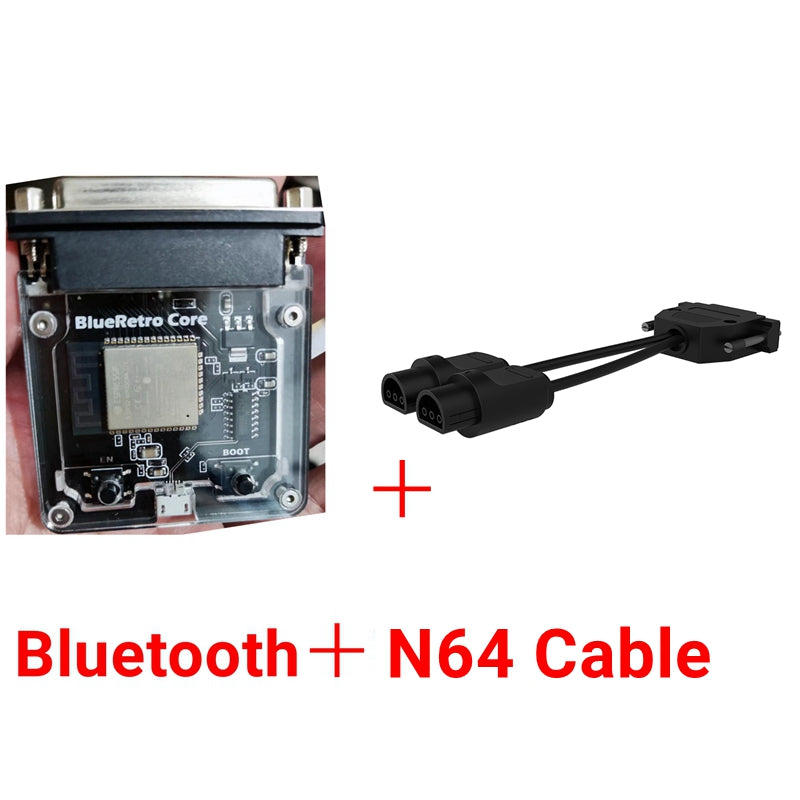
Power led: Indicates that the biueretro core is powered normally.
Status indicator:
Always on: An error occurs, try restarting, and check the serial log for details.
Pulse: Bluetooth query mode is enabled (new pairing). Off: No error and bluetooth query mode is disabled
Power on button: Short press (outside the bluetooth query mode): Disconnect all bluetooth devices from the adapter.
Short press (bt query mode): Cancel the bluetooth query mode (new pairing).
Hold for 3 seconds: Enable bluetooth query mode (new pairing).
Hold for 10 seconds: Restore blueretro to the factory default configuration and clear the bt pairing key
En button: Restart blueretro core.
Micro usb port: Connect the micro usb cable for firmware update., db25 female port: Connect the biueretro cable.
Color classification:
A: Bluetooth+PS1 PS2 cable
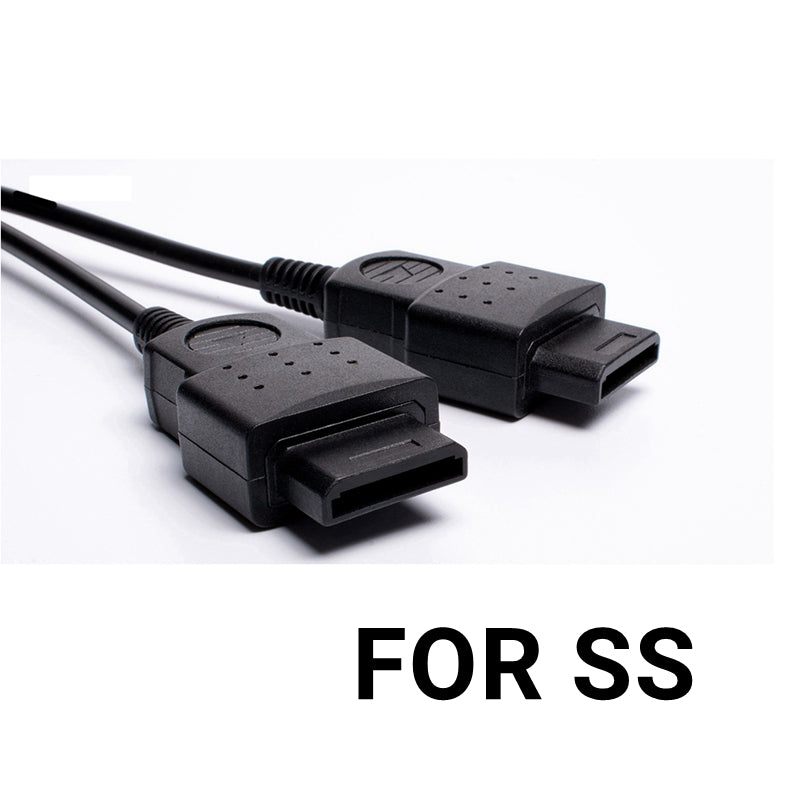
B: Bluetooth+Saturn SS cable
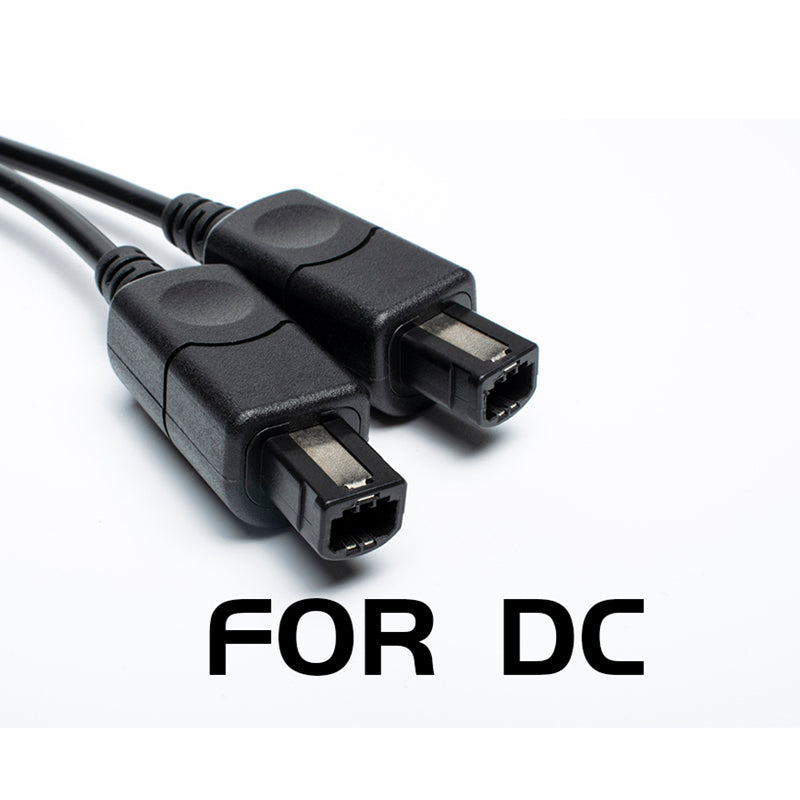
C: Bluetooth+Sega DC cable
D: Bluetooth+SFC cable
E: Bluetooth+Sega MD cable
F: Bluetooth+NGC cable
G: Bluetooth+N64 cable
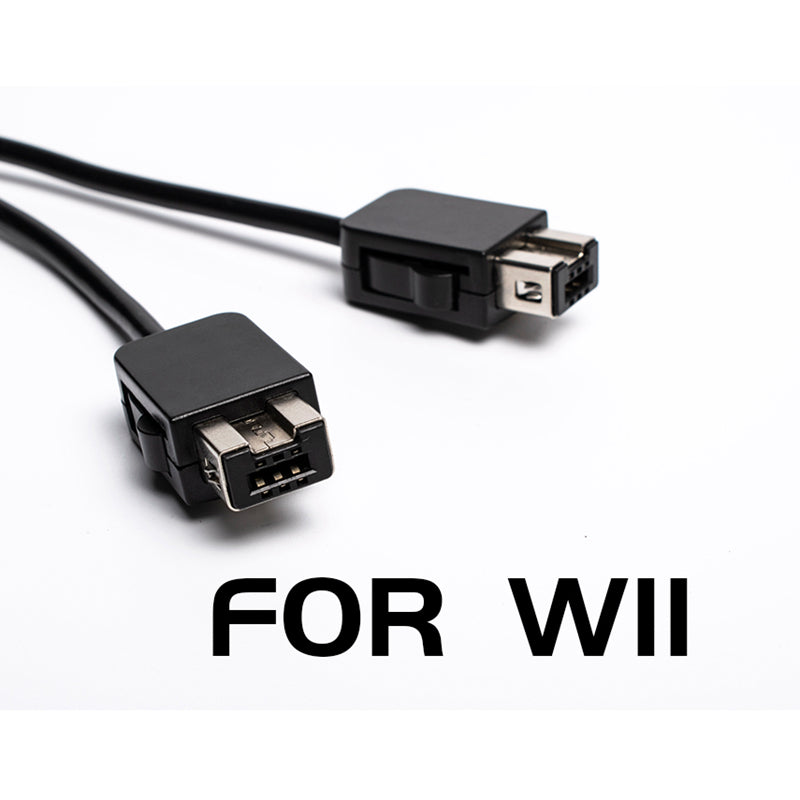
H: Bluetooth+WII EXT
1: Separate PS PS2 cable
J: Separate Saturn SS line
K: Separate Sega DC line
L: Separate overlord SFC line
M: Separate Sega MD line
N: Separate NGC line
O: Separate N64 cable
P: Separate WII FIT line
Packing list:
Bluetooth+cable / cable*1